Online Safety

The internet is an incredible tool for learning, playing games, and keeping in touch with friends. However, just like crossing the road, it is important to know the rules of the digital street to make sure we stay happy and secure while surfing the web.


Be 'SMART' Online

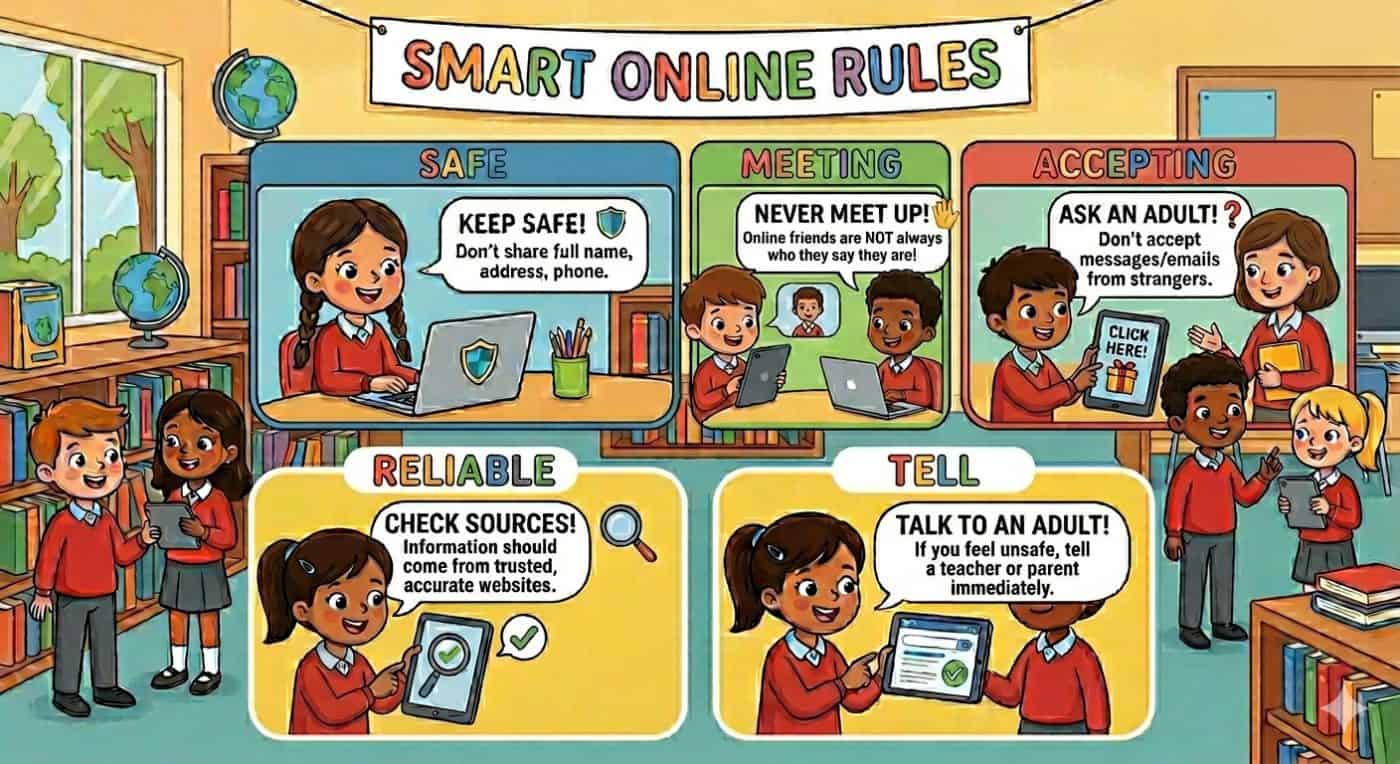
A great way to remember how to navigate the web safely is to follow the SMART rules:

S – Safe: Keep your personal information private. Never share your full name, home address, school, or passwords with anyone online—even in video game chats.

M – Meet: Never agree to meet up with someone you only know from the internet. Online friends are still strangers in the real world.

A – Accepting: Be careful what you click on. Opening unexpected links, messages, or downloads from people you don’t know can cause viruses or lead to scary websites.

R – Reliable: Not everything you read on the internet is true. Always double-check your facts using multiple websites or a book when doing homework.

T – Tell: If anything you see or read online makes you feel uncomfortable, worried, or sad, tell a trusted adult straight away. Your parents, carers, and teachers are always here to help you!

Websites To Explore

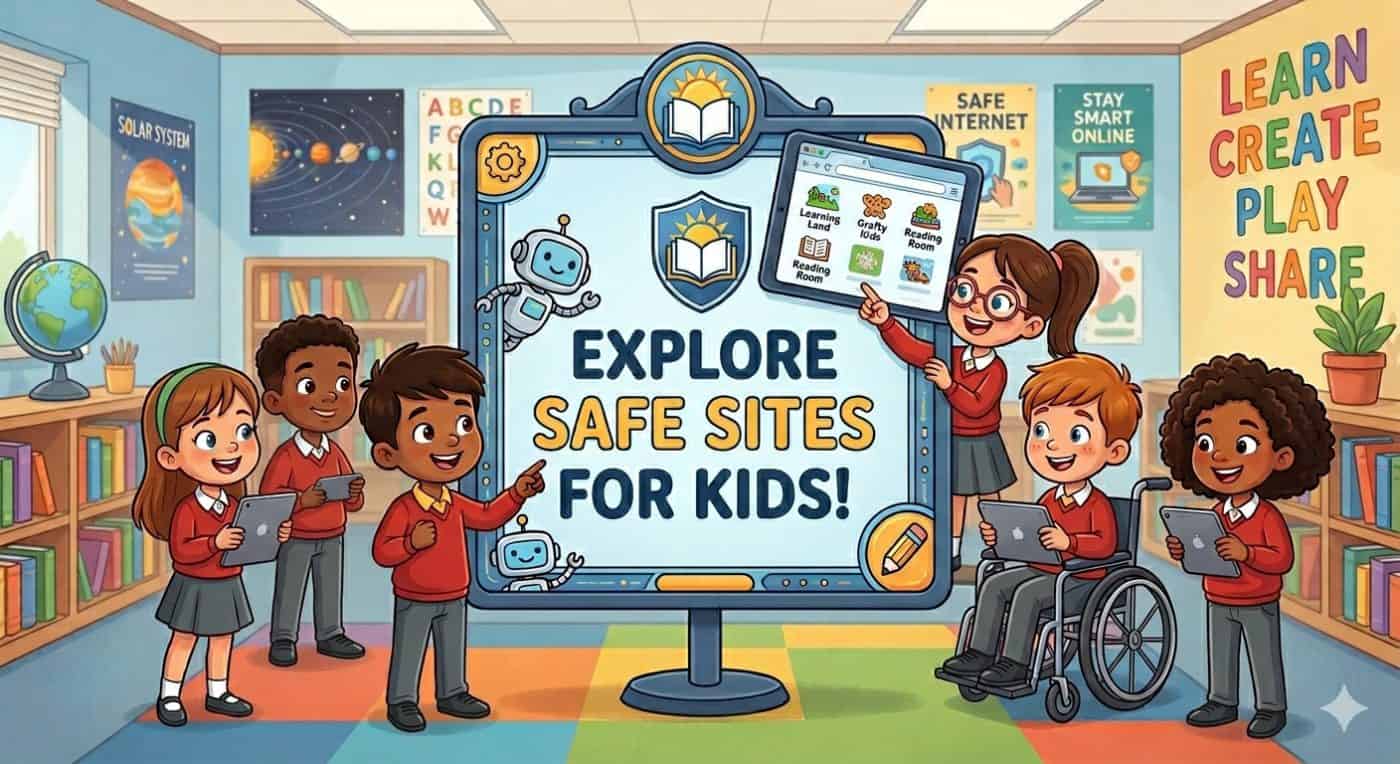
Want to play games, watch fun cartoons, and learn more about becoming a safety champion? Check out these fantastic and safe online spaces designed just for kids:

Thinkuknow: An amazing site filled with fun videos, games, and activities broken down by age groups (like 5–7 and 8–10 year olds) to help you learn about online safety.

Childnet International: Home of the “SMART with a heart” rules, offering great interactive quizzes and top tips for young people.

BBC Own It: A brilliant place packed with advice, short clips, and quizzes to help you navigate everything from group chats to dealing with screen time.

Childline: If you ever feel worried and want to talk to someone confidentially, you can visit their site or call 0800 1111 for free, friendly advice.

A Quick Reminder for Parents & Carers: Staying involved in your child’s digital life is the best way to keep them secure. For excellent guidance on setting up parental controls and starting open conversations about the web, visit Internet Matters and the NSPCC Online Safety Hub.